BIMMER SPOT
BMW MGU Drag Timer | iDrive 7 / iDrive 8 | Remote Installation
BMW MGU Drag Timer | iDrive 7 / iDrive 8 | Remote Installation
Couldn't load pickup availability
BMW MGU Drag Timer
Measure acceleration on the original BMW iDrive display. BIMMER SPOT provides remote installation and setup of the Drag Timer custom app for one compatible vehicle.
Drag Timer features
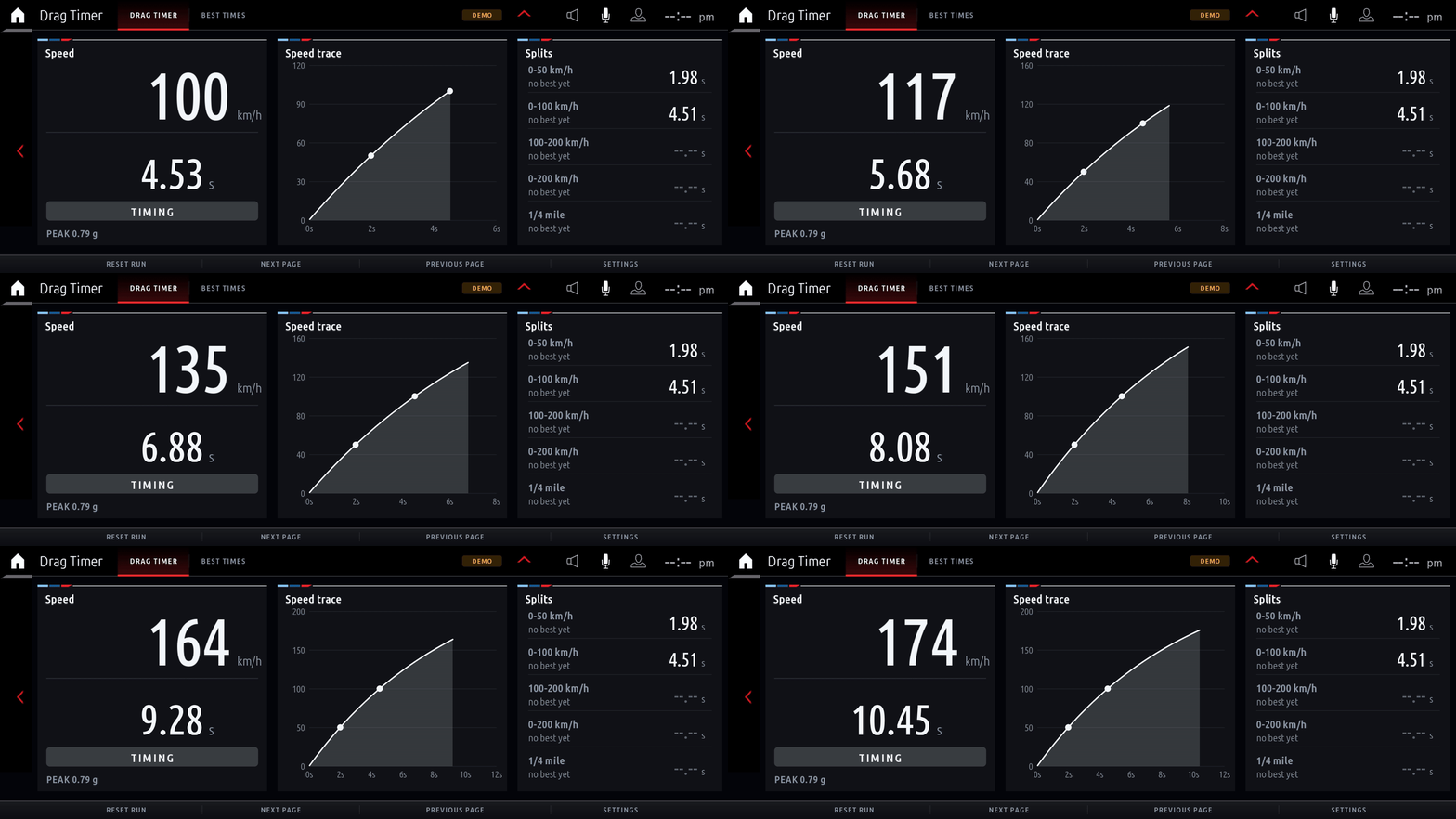
- 0–50, 0–100, 100–200 and 0–200 km/h timing, plus quarter-mile runs and mph equivalents.
- Interpolated split times and optional one-foot rollout.
- Live speed graph and saved best times.
- Four colour themes and configurable units.
See Drag Timer in action

Developer demonstration rendered from simulated driving data; this is not footage recorded in a moving vehicle. Actual operation depends on vehicle data and configuration.
Compatibility — check before ordering
The developer documents BMW MGU iDrive 7 and testing on firmware P18_23w44.2. This source does not confirm iDrive 8 support. Send your VIN and head-unit/software details to BIMMER SPOT before purchase. We confirm whether installation is available for your exact system.
Remote installation requirements
- A Windows laptop and ENET cable.
- A stable internet connection and access to the vehicle.
- Head-unit access and software prerequisites must be confirmed before installation.
How it works
- Contact BIMMER SPOT for a compatibility check.
- Order the installation service after compatibility is confirmed.
- Arrange your remote installation session.
$99 USD covers installation and setup of Drag Timer for one compatible BMW. Other apps are sold separately. No physical product is shipped.
For use while parked or during closed-course testing. This is an independent custom app, not an official BMW product.
Software and demonstration credits
Based on the open-source idrive7-apps project by cauliflowermossgrape. The software is available separately under its MIT licence; the price here is for BIMMER SPOT installation and setup services.