Skip to product information
1 of 46

BIMMER SPOT

Fullscreen CarPlay Activation for BMW NBT Evo iDrive USB ENET PATCH ID5 ID6

Fullscreen CarPlay Activation for BMW NBT Evo iDrive USB ENET PATCH ID5 ID6

Regular price $29.99 USD
Regular price Sale price $29.99 USD
Sale Sold out
Tax included.

Fullscreen CarPlay Activation for BMW NBT Evo iDrive USB ENET PATCH ID5 ID6


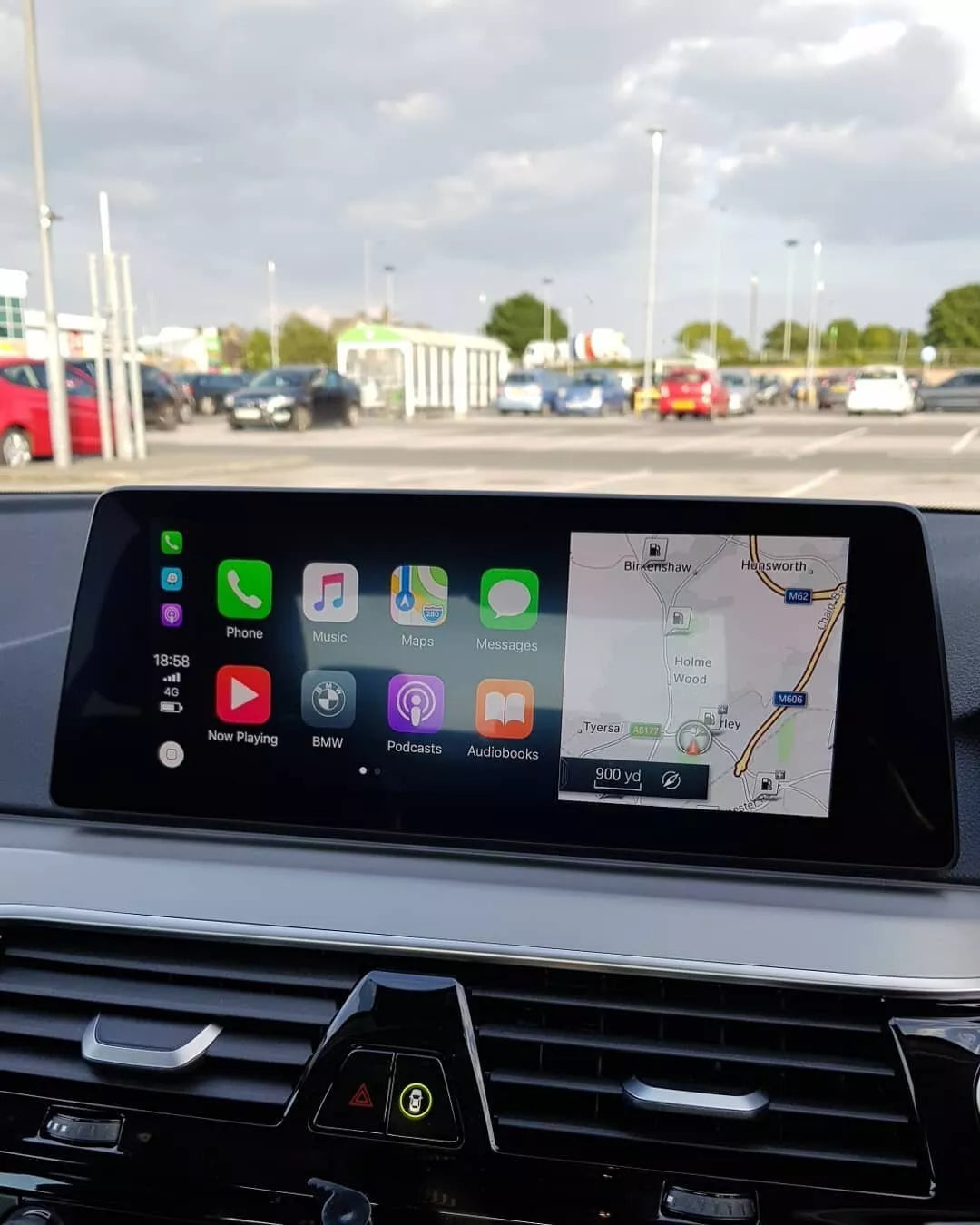
Unlock fullscreen CarPlay & Video in Motion for your BMW with NBTEvo. 


Expands CarPlay to widescreen and allows video playback while driving. 
USB or ENET coding.

How To Check Your Firmware Version:

1

Navigate to your iDrive’s Main Menu

2

Go to Navigation

3

Press the Options Button on your iDrive controller

4

Select Settings

5

Choose Position & Version History

6

Select Version Information

7

You will see your software version listed as NBTEVO_XXXXX (where XXXXX represents your specific version number)


USB Coding Method Compatibility

The USB activation process applies to the following software versions. This method is incredibly simple and takes approximately 1 minute to complete:

NBTEvo_H
NBTEvo_I
NBTEvo_J
NBTEvo_K
NBTEvo_L
NBTEvo_M
NBTEvo_N
NBTEvo_O

 USB Activation Procedure:

After purchase, you’ll receive a customized file via email. Simply copy this file to a USB drive, plug it into your BMW’s USB port, and the activation completes automatically within approximately 60 seconds. The process is seamless and requires no technical knowledge.


ENET Coding Method Compatibility

The ENET coding method applies to these newer software versions. This process takes slightly longer (5-6 minutes) but is equally straightforward:

NBTEvo_P
NBTEvo_Q
NBTEvo_R
NBTEvo_S
NBTEvo_T
NBTEvo_U
NBTEvo_W
NBTEvo_V
NBTEvo_X
NBTEvo_Y

 ENET Activation Procedure:

For these versions, we provide remote coding service using professional ENET cables and software. Our technicians guide you through the simple connection process and perform the activation remotely, ensuring perfect results every time.

View full details